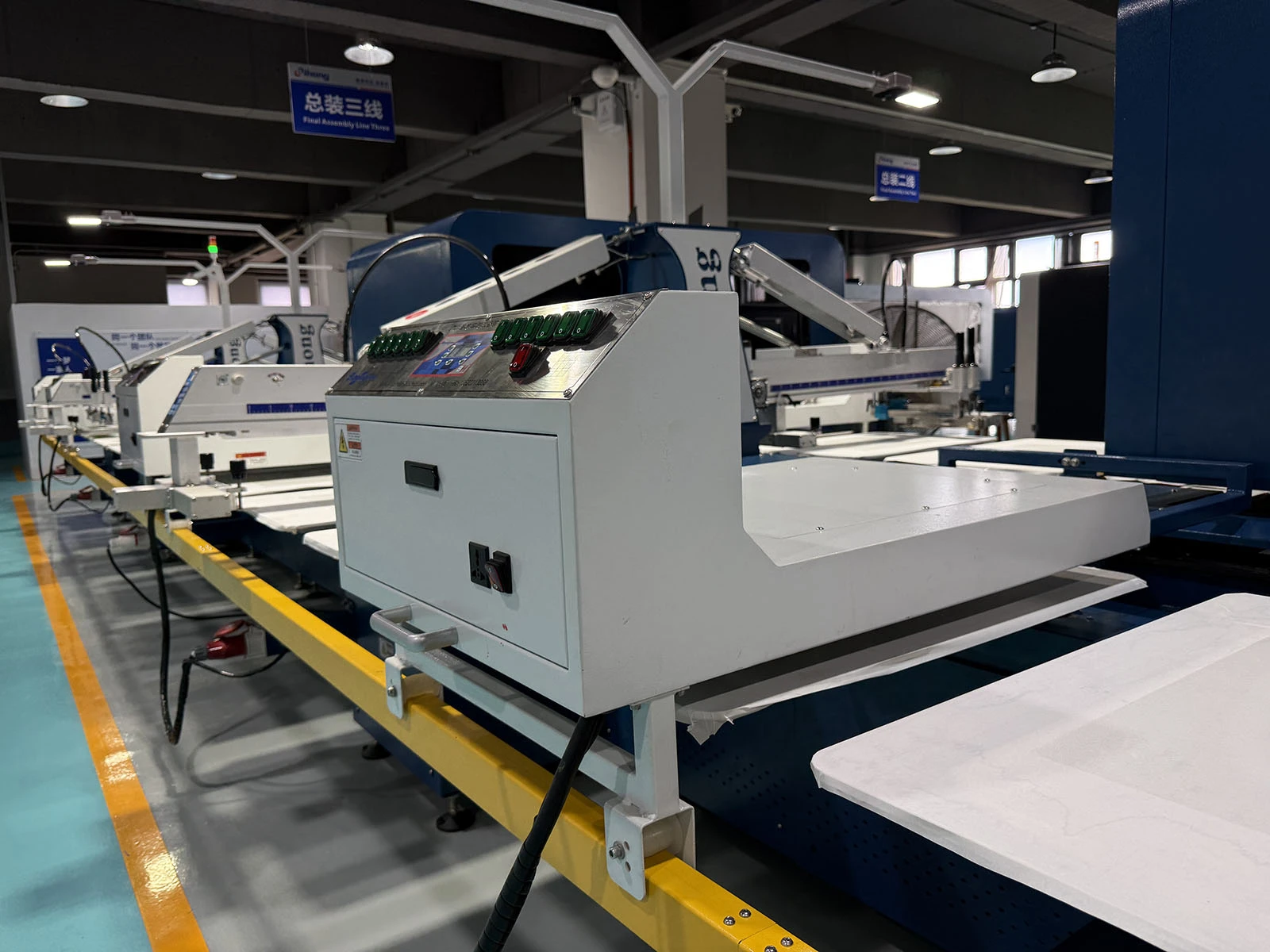


Hello. There are several possible reasons why lines printed using a screen mesh might not be straight. Here are some potential causes:
Paste bleeding/seepage: You can wipe the underside of the screen with a lint-free cloth.
Uneven screen tension: Proper tension must be maintained during printing; uneven tension can cause lines to become crooked. This may result from unstable screen clamps or improper adjustment. Ensure the screen tension is correctly adjusted for uniformity before printing.
Screen mesh issues: The mesh specifications determine line width and shape. Inconsistencies, damage, or an unsuitable mesh count can lead to crooked lines. Ensure you use the appropriate mesh and replace any damaged screens promptly.
Uneven printing pressure: Printing pressure must be applied evenly across the screen to ensure straight lines. Uneven pressure can cause lines to curve or deviate from a straight path. Ensure the pressure is evenly distributed across the press and adjust it as necessary.
Uneven printing bed: The flatness of the printing bed affects line straightness. An uneven surface or irregularities can cause lines to curve or drift during printing. Ensure the printing bed is flat and make repairs or adjustments if needed.
Excessive printing speed: Printing too fast can cause friction and vibration between the screen and the printing bed, affecting line straightness. Try reducing the printing speed to minimize vibration and friction, resulting in straighter lines.